

Leonardo Demurtas
Helping design teams work well
Product Designer with an applied DesignOps focus
I have designed complex consumer and enterprise products for 15 years. Today I work on the conditions around design work: how problems are framed, who owns a decision, how quality is reviewed, and how design reaches implementation. I test AI-enabled workflows inside that practice and write about what holds up.

What I work on
Four parts of the operating system around design work.
-

Framing and decisions
Make the problem, constraints, evidence and decision owner clear before the team starts designing.
-

Workflow and ownership
Make responsibilities, sources of truth and recurring ways of working easy to find and use.
-

Critique and quality
Shared review criteria and design QA that check completeness, consistency and accessibility.
-

Design to engineering
Carry the rationale, states and edge cases into implementation, so engineers do not have to guess.
Writing
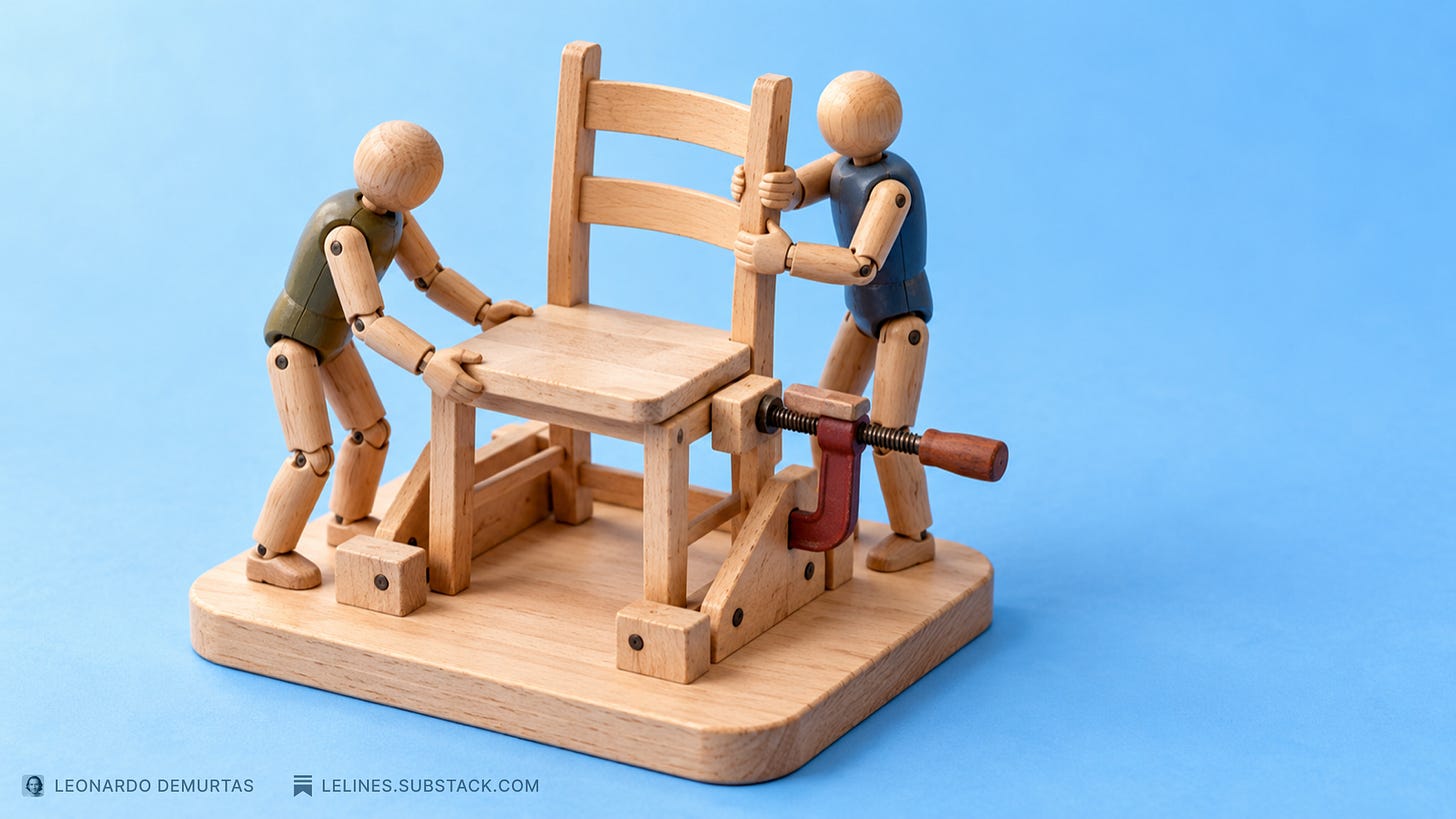
I write LeLines on Substack. Start with this one.
Start here
DesignOps: how design teams work well
What DesignOps does, why it matters, and how AI changes the work.
On LinkedIn
Shorter notes on DesignOps, design systems and AI tools.
-
If your team is guessing which Figma file to use, your design process has failed them.
Read on LinkedIn →
-
Your design system can have the right components and still leave teams making conflicting decisions.
Read on LinkedIn →
-
Yesterday I built a Codex plugin that turns a screen description into a working Storybook story using existing components.
Read on LinkedIn →
-
Figma's AI agent supports custom skills: reusable instructions you can share with your team and run directly in design files.
Read on LinkedIn →
-
Dovetail documents an AI research workflow used across more than 25 AWS and Amazon teams.
Read on LinkedIn →
-
A UI kit and a design system are doing two different jobs. Designers know this. Everybody else keeps using the words interchangeably.
Read on LinkedIn →
Experiments
Small tools I build with AI agents to test DesignOps ideas in real work.
- 01

Figma Merge Changelog
A Codex plugin that writes an editable changelog entry after a Figma branch merge. It compares the before and after versions with the product requirements document, so the team can see what changed and why.
Private plugin Read the post → - 02

Accessibility Handoff Review
A Figma agent skill that reviews frames for accessibility before engineering handoff. It returns findings and an annotated copy of the design.
Open source View on GitHub → - 03

Bulk screen capture
I adapted an existing Chrome extension with Claude Code to capture full-page screenshots of many pages in one run, skipping paths that should not be crawled.
Write-up coming - 04

A second brain for writing
An Obsidian knowledge base that AI agents help maintain, with sources, claims and a retrieval index. Every LeLines essay starts here.
Write-up coming
Side projects
- Run dashboard Turns my Garmin running data into one readable page.
- Pulse Zones A heart-rate zone calculator based on the Karvonen method.
